Should AI training buyers start with H200?
For dense training and shared server deployment, start with H200. For local development or visualisation, RTX PRO 6000 is usually the better starting point.
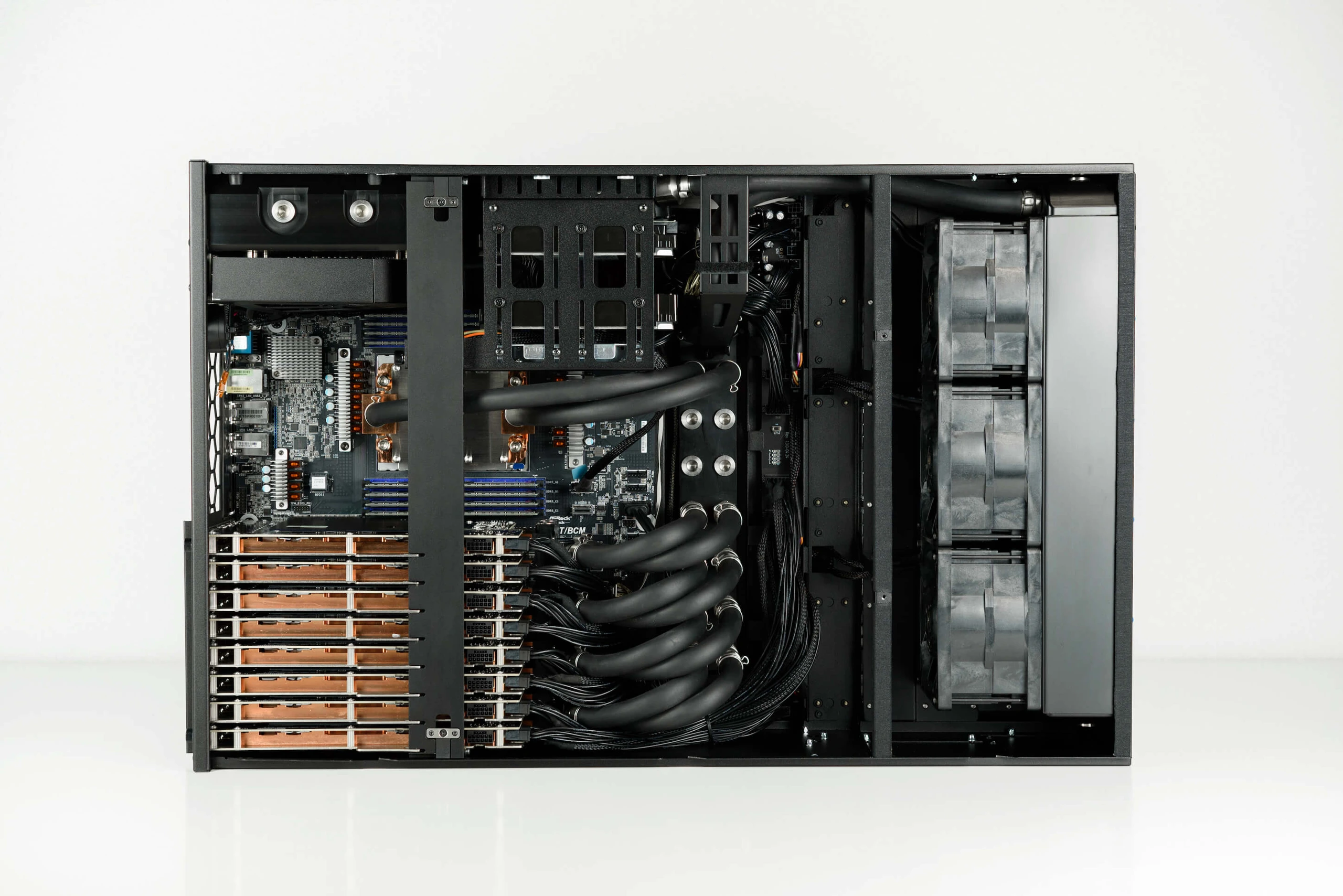
Use this H200 vs RTX PRO 6000 comparison to choose between dense AI training or HPC servers and local inference on workstations. Then keep the exact hardware assumptions in the matching configurator for quote review.
Use the information here to pick a starting configuration, confirm the assumptions, and prepare a quote request.
H200 fits dense AI training, HPC, and shared data centre compute.
RTX PRO 6000 fits local AI development, visualisation, and workstation deployment.
Configurator links let engineering and purchasing review the same assumptions.
For dense training and shared server deployment, start with H200. For local development or visualisation, RTX PRO 6000 is usually the better starting point.
Yes. Share the H200 and RTX PRO 6000 configurator URLs so both sides compare the same component assumptions.
Open H200 first for dense training, HPC, or shared server deployment. Open RTX PRO 6000 first for local inference, workstation deployment, visualisation, or simulation.
Pick H200 for dense shared training, HPC, or rack deployment. Pick RTX PRO 6000 for local inference, development, visualisation, or a workstation-first deployment. Share both configurator links when both paths need quote review.
Decision worksheet
Record these three decisions before opening the configurator or requesting a quote.
Training, HPC, dense multi-GPU server use
H200 fits dense AI training, HPC, and shared data centre compute.
Local inference, rendering, simulation, workstation use
RTX PRO 6000 fits local AI development, visualisation, and workstation deployment.
Configuration URL and quote request
Configurator links let engineering and purchasing review the same assumptions.
Continue to a related guide, or open the configurator once the assumptions are confirmed.
Plan an NVIDIA H200 server quote for AI training, HPC, or inference. EudTech confirms current availability, price, and delivery only after GPU count, CPU, memory, storage, power, cooling, and networking are defined.
Configure RTX PRO 6000 workstations for local AI inference, rendering, visualization, and simulation, then send the build to EudTech for Taiwan quote follow-up.
Choose between deskside AI workstations, rackable GPU systems, and integration-kit paths for Taiwan teams that need GPU acceleration, local inference, model development, rendering, or simulation workloads.
Explore GPU server cooling and liquid-cooled GPU server configurations for sustained AI and HPC workloads, then request a formal quote from EudTech.